
Connect the mailboxes that matter
Start with shared sales, service, project and role-based mailboxes. Individual business mailboxes can be included where purpose, access and company policy permit.
Bring the shared and selected business mailboxes your teams already use into one DataInbox Company Workspace. AI helps interpret, prepare and complete the work from current company context. Your business rules decide what may continue, what needs review and what may leave the organisation.
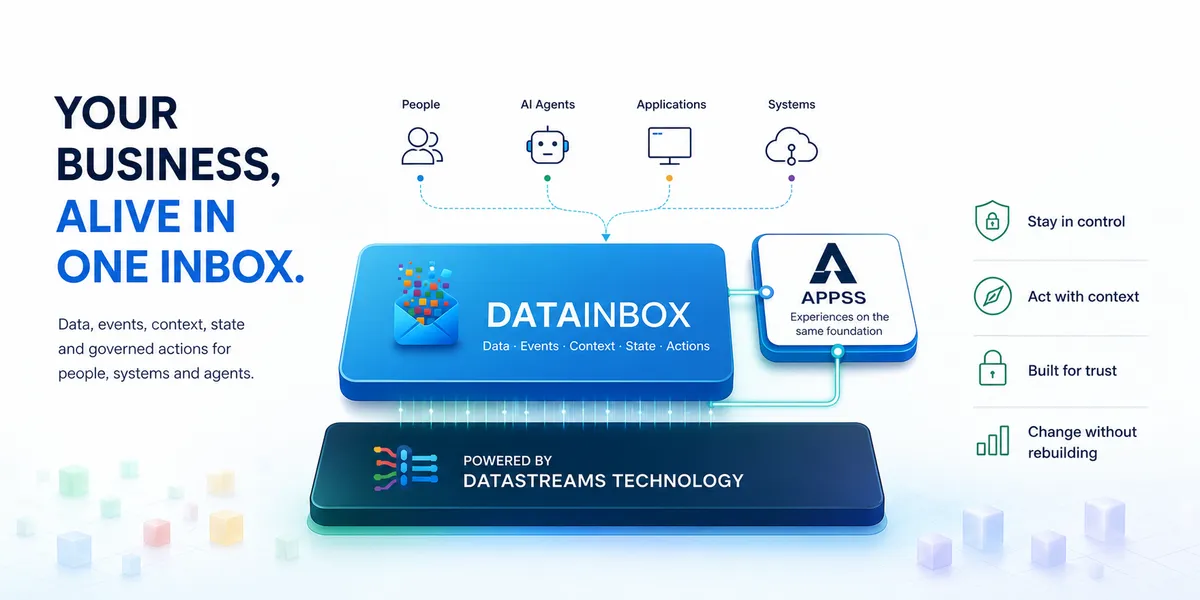
One trusted operating core
A message is connected to the customer, project, documents, current status, owners and permitted next actions. People and approved agents work from the same governed context instead of reconstructing it in every inbox and tool.
Start with shared sales, service, project and role-based mailboxes. Individual business mailboxes can be included where purpose, access and company policy permit.
Relate each message to the right customer, case, project, documents and source systems before AI prepares a result.
Identity, completeness, authority, price, commitment and release conditions determine the permitted route.
One workspace, multiple departments
Sales, service and project teams can each receive the view, queue, agents and controls they need while the company keeps one shared context and governance layer.
Qualify requests, prepare grounded replies and offers, follow up open decisions and keep customer commitments reviewable.
Recognise the customer and issue, retrieve current order or service state and prepare the next permitted answer or action.
Keep correspondence, documents, decisions, responsibilities and progress together so project knowledge remains current and transferable.
Stop buying the same capability repeatedly
DataInbox does not price every user, rule or Inbox as a separate product. Start with the Company Workspace and configure the sales, service and project operations that belong inside it. Usage, infrastructure, implementation and service levels can scale; the operating model stays one coherent workspace.
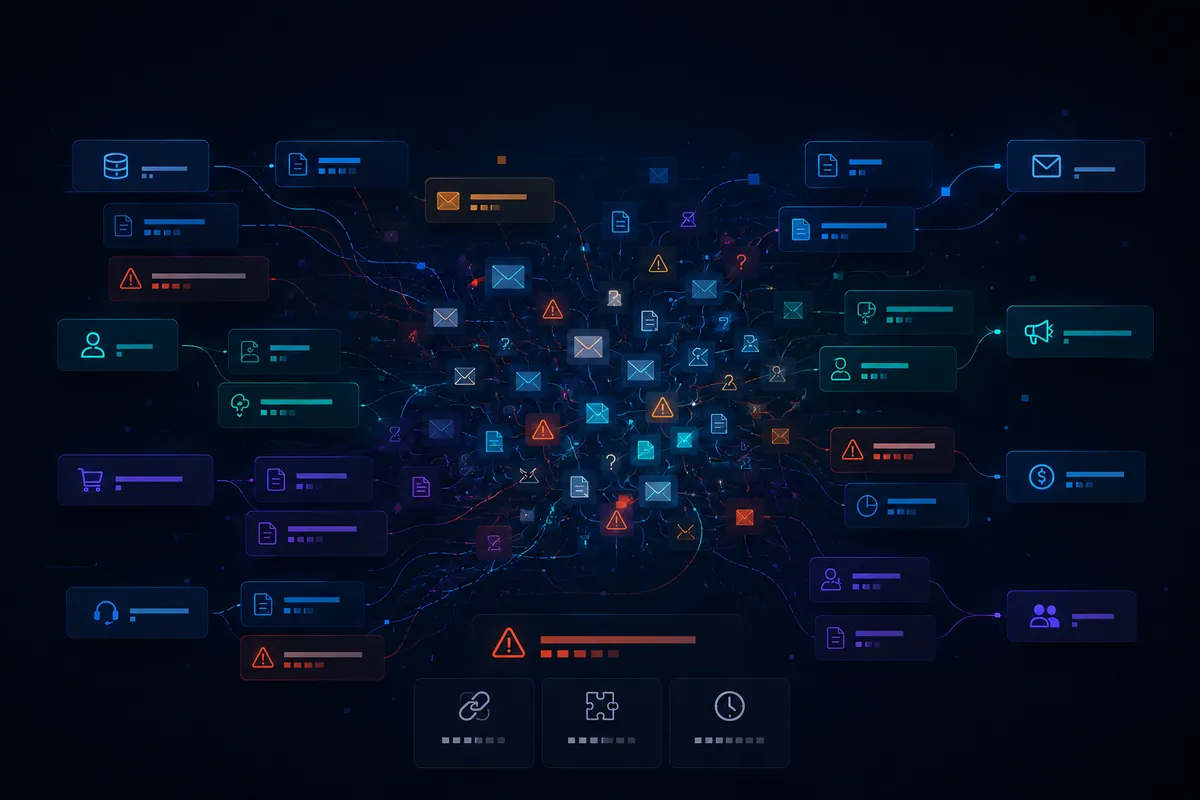
AI-enabled, human accountable
Agents can classify messages, collect permitted context, draft documents, identify missing information and prepare next actions. People remain responsible wherever judgement, risk, price, legal effect or external release requires it.
The email enters the right governed Inbox with its source, recipient and attachments intact.
Approved agents interpret the request and prepare the response, document or task from bounded context.
Deterministic checks expose gaps, exceptions, approval needs and actions that are not permitted.
A person reviews where required; the approved result and evidence remain connected to the work.
DataInbox connects only the mailboxes and data sources your organisation deliberately authorises. Access, purpose, retention, personal-data boundaries and outbound authority are configured per Inbox and role. Private or unrelated email does not become general AI context by default.
We map the mailbox, company sources, required result, business rules and human controls, then configure the first operation inside your Company Workspace.
Design your Company Workspace